Salik is Dubai’s toll system, and an empty account is one of the easiest ways to collect a violation without noticing. The good news is that a Salik balance check, also called a Salik balance inquiry, takes a minute, and you can do it in six different ways.
This guide shows how to do a Salik balance check by website, app, SMS, phone, kiosk and plate number, how to recharge your account and what happens if your balance runs out.
Each time your car passes through a Salik toll gate, the toll is deducted from your Salik account. You need enough balance in the account every time you drive through a gate.
Your account is linked to your car, so the balance matters even if you rarely use toll roads.
Each time a vehicle passes through a Salik gate, the toll is deducted automatically from the linked account.
Salik Balance Check: 6 Ways
1. Check Salik Balance Online
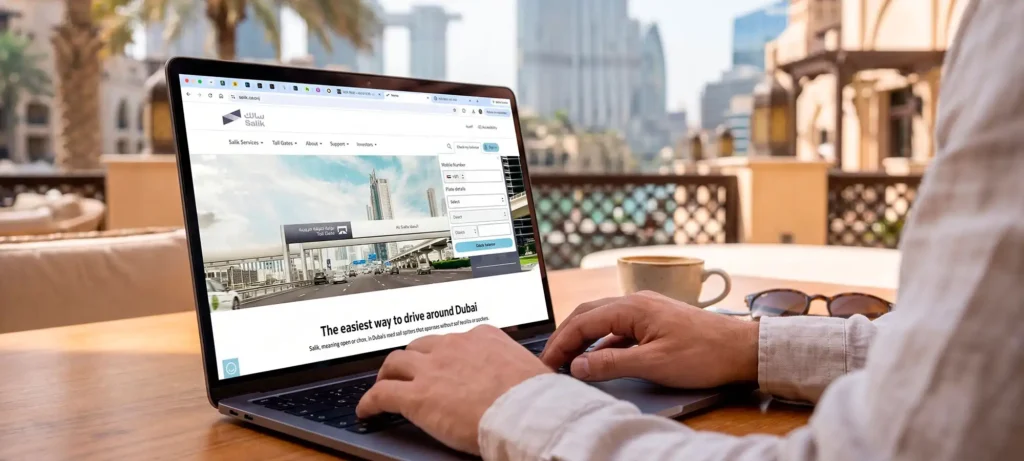
Go to the official Salik website and open the Check My Balance tool. You can check by plate number or by account number.
The Salik website lets drivers look up their available toll balance using their vehicle plate or account details.
2. Use the Smart Salik App
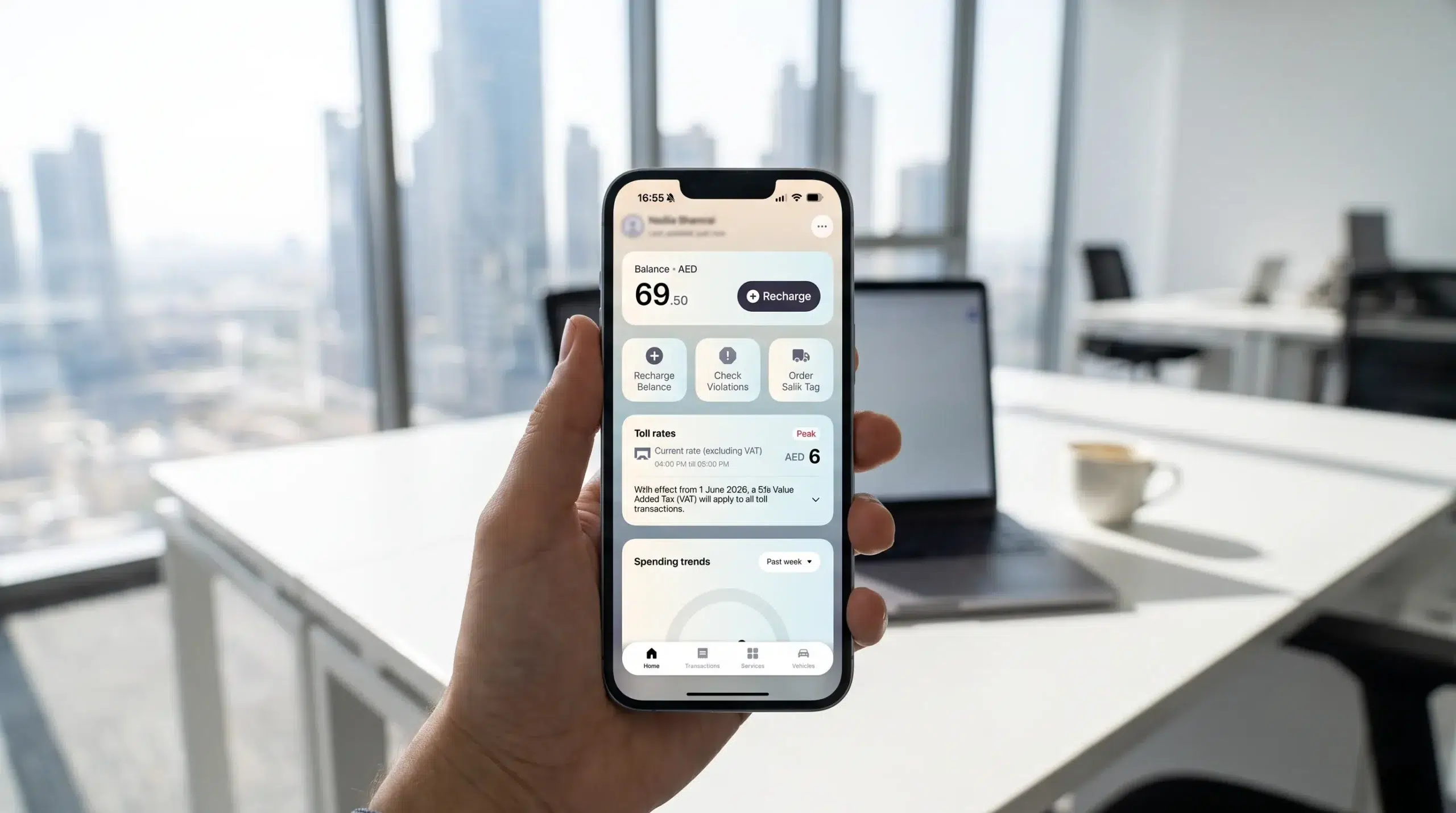
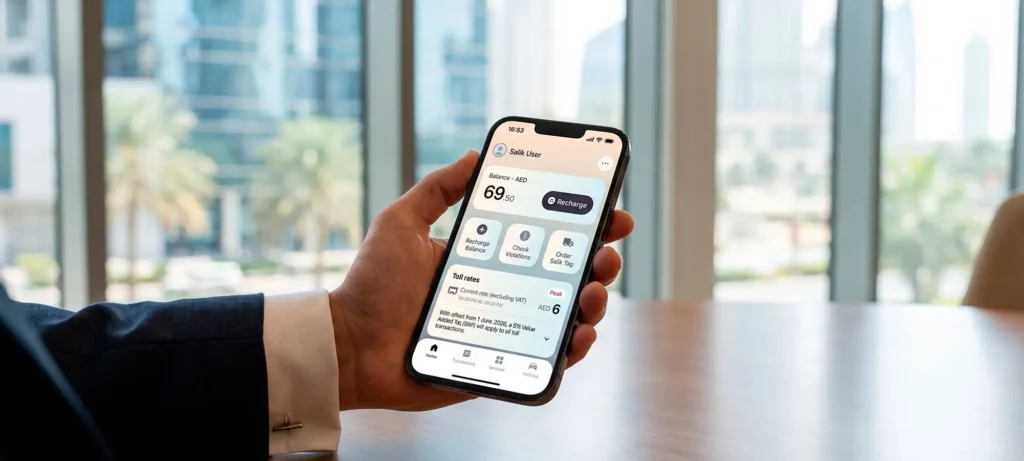
Download the Smart Salik app and log in with your account number and PIN. Tap Check My Balance on the home screen to see your balance.
View your available Salik balance in the app to keep track of your toll account.
3. Use the RTA Apps
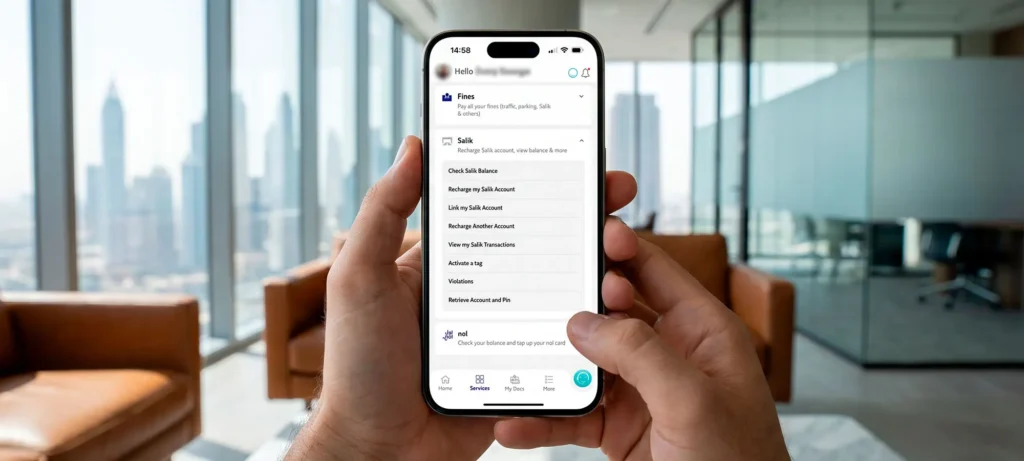
An RTA Salik balance check works in the RTA Dubai app and in the Dubai Drive app, under the transport services.
Access Salik services through the RTA Dubai or Dubai Drive app to manage your toll account on the go.
4. Check Your Salik Balance by SMS
Send an SMS with the word SALIK, your account number and your PIN to 5959, and you receive your balance in a reply.
The exact format can change, so confirm it on the Salik website before you send.
5. Call the Salik Call Centre
Call 800 SALIK (72545) and follow the prompts. You will need your account number and PIN.
6. Visit a Kiosk
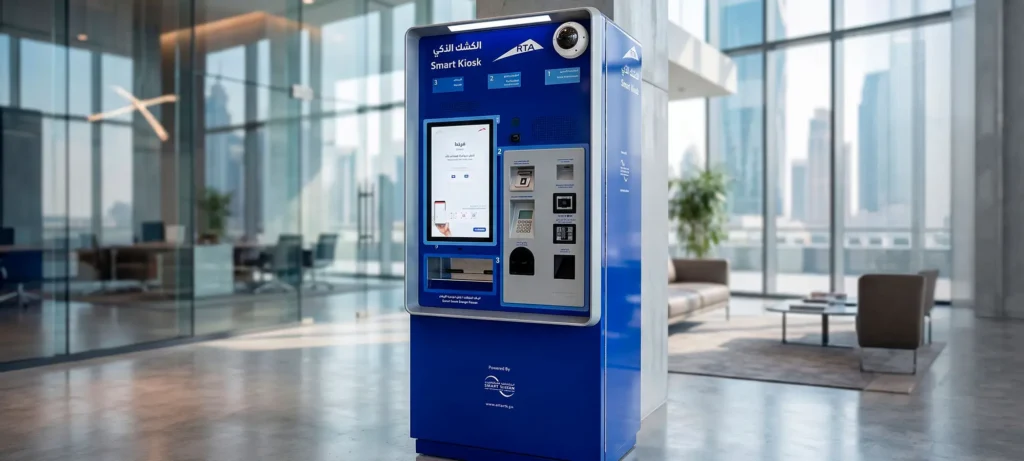
Salik kiosks around the city let you check your balance without a phone or internet connection.
Salik kiosks provide an alternative way to access toll account services while out and about.
Salik Balance Check by Plate Number
You do not need your account number to check your balance. On the Salik website or in the app, choose the plate option and enter your plate number together with the mobile number linked to the account.
The plate number alone is not enough, because the system also needs the mobile number to confirm that the account is yours.
Salik Balance Check by Account Number and PIN
If you know your account number and PIN, choose the account option on the website or log in to the app. This is also the method that works for SMS and phone checks.
Keep your PIN private. Do not share it with anyone who contacts you first.
Salik Balance Recharge: How to Top Up Your Account
You can recharge your Salik balance in several ways:
The Salik website or the Smart Salik app, using a bank card or a recharge card
The Dubai Now and RTA apps
SMS to 5959, using a Salik recharge card
Kiosks and your bank, including online banking at many local banks
After you recharge, check your balance again to confirm that the money has arrived.
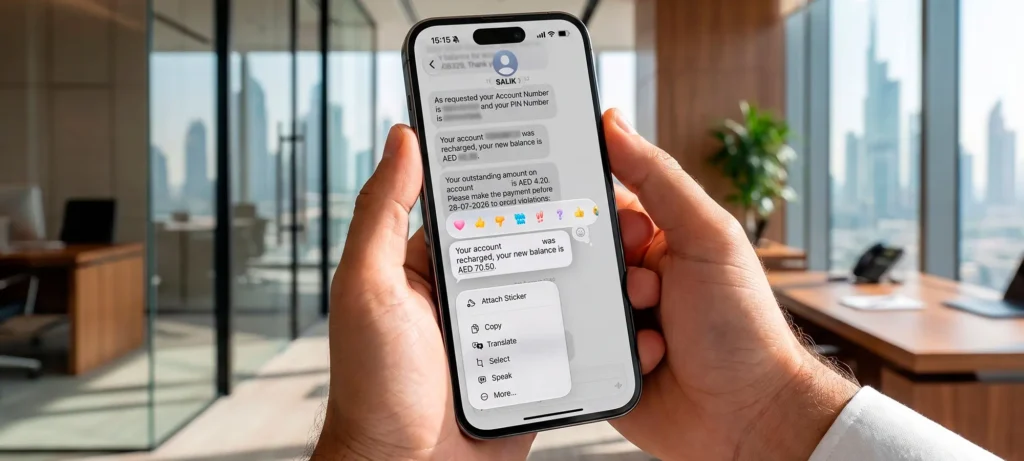
A confirmation message lets you know your recharge has been processed and your toll account balance updated.
Do not wait for the last day. Once the grace period is over, a violation is triggered.
Unpaid Salik violations are linked to your vehicle’s Traffic File Number. In our experience they must be settled before you can renew your registration or transfer ownership, so they matter far beyond the toll itself.
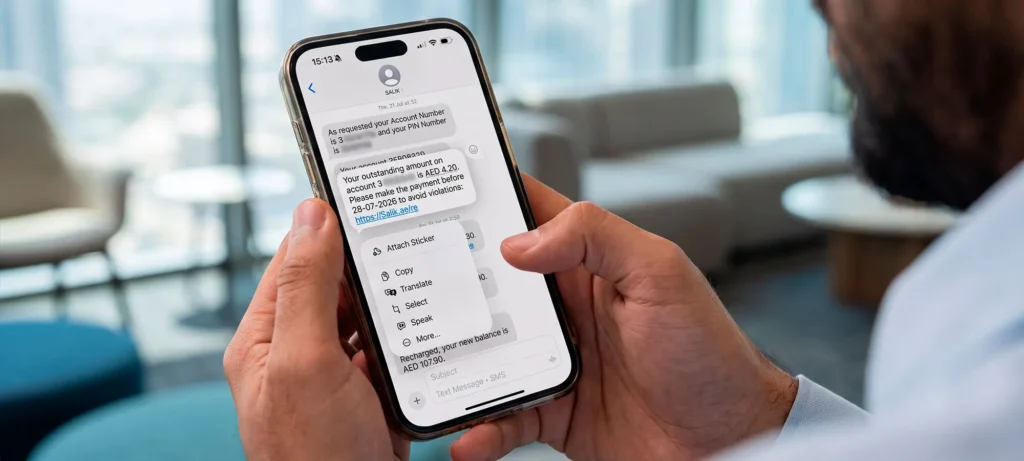
Recharge your Salik account within the grace period to avoid violations and additional fines.
Salik can also recognise your plate number, so in our experience tolls are still charged to your account if the tag is lost, for example when a broken windscreen is replaced and the old glass with the sticker is thrown away.
That does not mean you can skip the tag. Salik has confirmed that fitting the tag on the windscreen is mandatory by law.
If your tag is lost or damaged, replace it instead of relying on the plate reading.
What If You Drive Through a Salik Gate Without a Registered Tag?
If you miss that window, progressive fines apply, capped at one violation per day per vehicle. The exact amounts are listed on the Salik website.
You can buy a tag in several places:
The official Salik website
The Smart Salik app and the RTA Dubai app
Authorised petrol stations, including Emarat, ADNOC and EPPCO or ENOC
A Salik tag is linked to one car and cannot be moved to another, so if you buy a new car, you need a new tag.
Selling Your Car? Deactivate Your Salik Tag
A Salik tag cannot be transferred to another car. Before you hand the car over, remove the tag from the windscreen and deactivate it in your Salik account. If you leave it on, the account can keep being charged when the car passes a toll gate.
The remaining balance stays in your account and can be used for another vehicle under your name.
Check your balance regularly, for example once a week, and before you leave on a long drive.
Recharge a little earlier than you think you need to.
Use only the official Salik website, app and numbers.
Be careful with unexpected messages. Police warn about fake links that are used to steal personal and financial data, so do not enter card details through a link you did not ask for.
You can check it on the Salik website, in the Smart Salik app or the RTA apps, by SMS to 5959, by calling 800 SALIK (72545) or at a Salik kiosk. Have your account number and PIN, or your plate number and the mobile number linked to the account, ready.
Yes. On the Salik website or in the app, choose the plate option and enter your plate number together with the mobile number linked to the account. The plate number alone is not enough.
Send an SMS with the word SALIK, your account number and your PIN to 5959, and you receive your balance in a reply. Check the exact format on the official Salik website, because it can change.
You can send an SMS to 5959 or call the Salik call centre on 800 SALIK (72545). Use only official numbers and never share your PIN with anyone who contacts you first.
You can recharge on the Salik website, in the Smart Salik app, through the Dubai Now and RTA apps, by SMS with a recharge card, at kiosks or through your bank. Always confirm the new balance afterwards.
If you pass through a toll gate with an insufficient balance, you have a grace period of five working days from the date of the trip to recharge your account, according to Salik.
Yes. Salik says the tag must be fitted on the windscreen, even though the system can also read plate numbers. If your tag is lost or the windscreen is replaced, buy a new tag.
You have a grace period of ten working days from the date of your first trip to buy, activate and register a tag. After that, progressive fines apply, capped at one violation per day per vehicle.
Yes. Unpaid Salik violations are linked to your vehicle’s Traffic File Number and need to be settled before you can renew your registration or transfer ownership.
Clear, practical answers for anyone buying, selling or driving a car in the UAE. From choosing between GCC and non-GCC cars to paying fines and keeping your car in shape in the heat.
Ready2Ride Motors offers a seamless used car buying experience in Dubai, with pre-inspected, accident-free vehicles and full transparency at every step. Explore our handpicked selection of GCC-spec cars and find your perfect ride today.